
MetaTrader 4
Built for Precision Trading.
Advanced charting, automated EA strategies, and ultralow-latency execution across global markets.
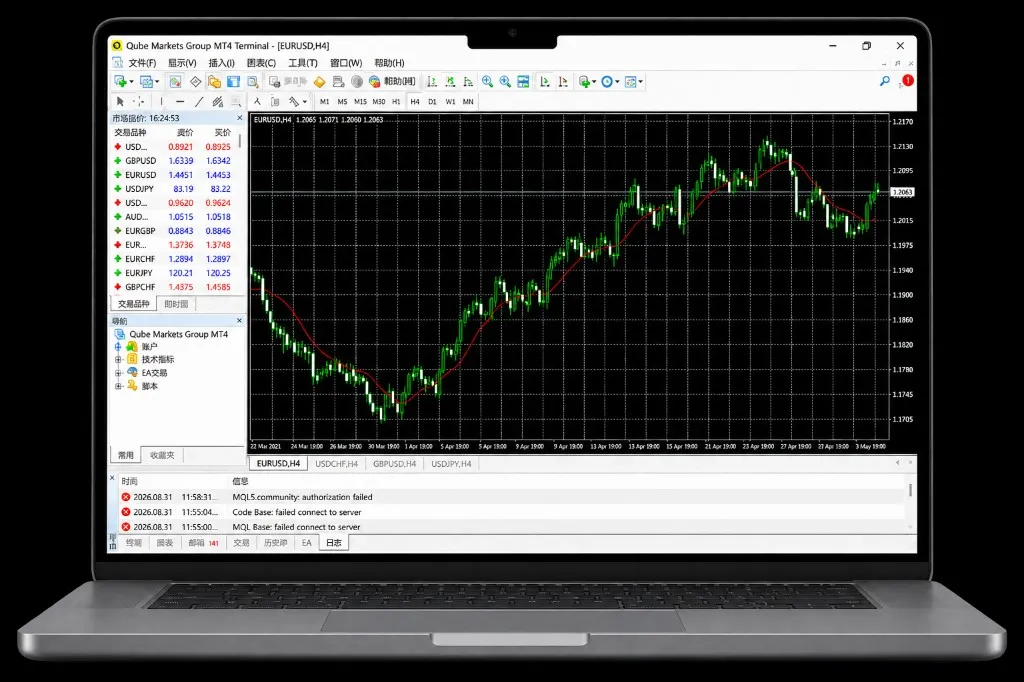
MT4 with Qube Markets
Qube x MT4 -- The Ultimate Trading Experience
Maximize your MT4 trading performance with our institutional-grade infrastructure and superior conditions.

Fast & Reliable Execution
Millisecond execution paired with stable liquidity for precise order fulfillment.

Competitive Conditions
Tight spreads and transparent pricing to minimize trading costs and maximize capital efficiency.

Automated EA Trading
Seamlessly deploy Expert Advisors (EAs) to automate your custom trading strategies.

Robust Strategy Backtesting
Test and refine your automated EAs using historical market data before live trading.
Trade Anytime, Anywhere with MT4
Execute strategies with precision on mobile and tablet, anytime and anywhere.


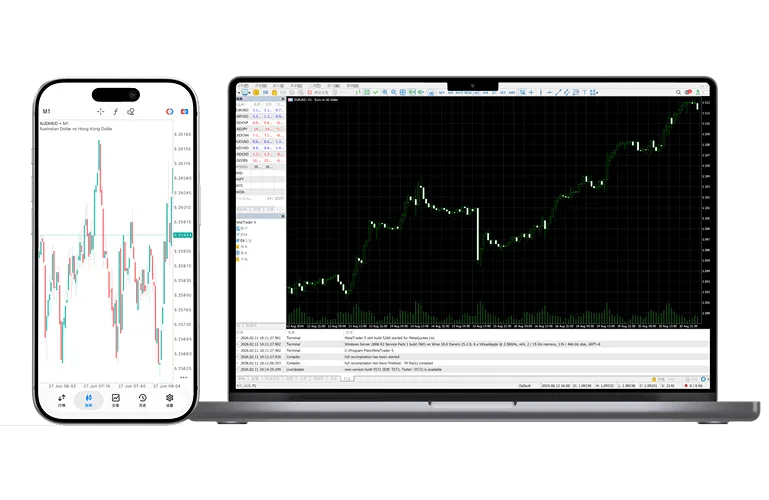
MetaTrader 4 MultiTerminal
Manage and execute trades across multiple MT4 accounts simultaneously from a single interface.
- Effortlessly open, close, and modify positions across accounts
- Flexible volume allocation options by equity ratio, equal parts, or custom parameters
- Centralized multi-account management with streamlined order execution
FAQS
Can I trade directly on Qube Markets via MetaTrader 4?
Yes. Once your account is set up, log in using the MT4 credentials sent to your email to trade in real time, manage positions, and conduct technical analysis directly on the platform.
How do I open, modify, or close orders in MT4?
Double-click your target instrument in the "Market Watch" window, or press F9 to open the order execution window, where you can intuitively set entry prices, Stop Loss (SL), and Take Profit (TP) targets.
Does MT4 support custom EAs (Expert Advisors) or technical indicators?
Fully supported. Standard MT4 seamlessly supports importing custom EA automated trading scripts, third-party indicators, and chart templates, enabling fully automated strategy execution.
How do I save and apply customized chart templates?
Customize your colors and indicators on the chart, then right-click and select "Template" to save. You can then quickly load your tailored layout onto any new chart with a single click.
What are the main differences between MT4 and MT5, and how should I choose?
MT4 is the classic global platform for Forex and CFD trading, backed by a massive automated EA ecosystem. MT5 offers more timeframes, built-in economic calendars, and broader asset classes. You can choose freely based on your trading strategy.